Best Gaming Mouse – Simple Picks That Work Well Without the Hype
When my 5-year-old questioned, “Why is this called a mouse?” After seeing a mouse connected to my PC, I told her this story.
“Hearing the word ‘mouse’—a small animal who lives with humans, runs very fast, and is small in size.
Then in 1964, Douglas Engelbart developed the same fast, small, and wired mouse that looks like a mouse.
It has evolved with time. First of all, it was a ball mouse, then optical, and now wireless and gaming mouse.”
Fast forward to today, this device is no more a pointer only but an essential part of gaming, design, and everyday work.
Buying an already assembled gaming setup from the market is easy. But those who are extremely particular about their gaming battle station pay special attention to every detail of their gaming zone, whether it’s a gaming monitor, laptop, mice, or keyboards and accessories.
Focusing on buying a gaming mouse on a budget is an essential part of fixing their complete setup.
There are too many options, and most of them look great at first glance.
Bright RGB lights, high DPI numbers, big claims… but once you actually use them, things can feel different.
Some mice feel uncomfortable after a while. Some don’t track properly.
And some just don’t last. So this guide keeps things simple and helps you find Best Gaming Mouse under 1500 to complete your gaming rig.
Performance Expectations for Budget Gaming Mice (<1500)
Before you choose one, you must know what you’re taking.
Most of them are wired (which is better for gaming), Sensors are decent, not high-end. Build quality is average but usable
For games like Valorant, CS2, GTA V — these mice are good enough if you pick wisely.
Best Gaming Mouse Under 1500 (Top Picks)
1. Logitech G102 Gaming Mouse – Best Overall
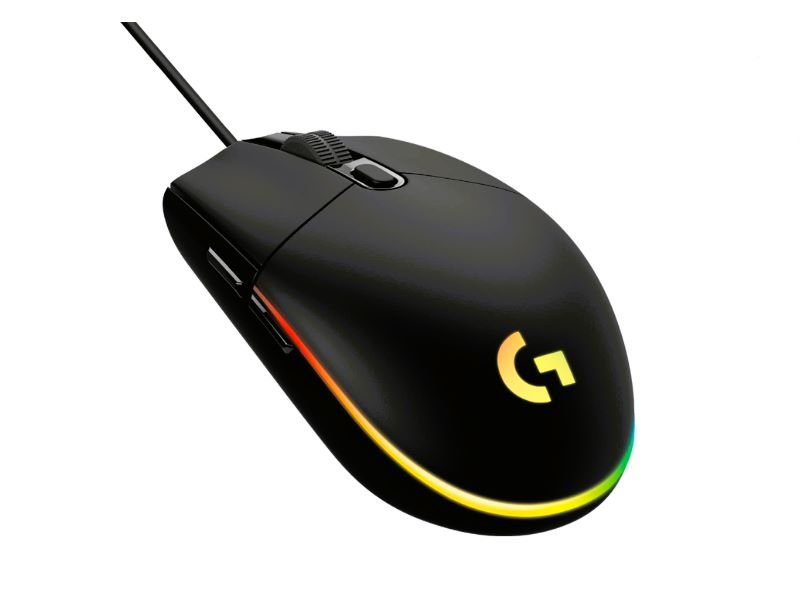
Design & Feel
- Symmetrical shape
- Around 85g weight
- Size: 116.6 x 62.15 x 38.2 mm
Core Features
- Wired connection (USB-A)
- Logitech Mercury optical sensor
- Up to 8000 DPI
- 1000Hz polling rate
- 6 programmable buttons
If you just want something reliable, this Logitech mouse is the easiest pick. It feels consistent. Tracking is smooth. And it’s comfortable for long hours.
Nothing flashy, but it does its job really well.
Pros:
Smooth and accurate sensor
Comfortable shape
Reliable brand
Cons:
Basic cable
No extra features
2. Cosmic Byte Firestorm Gaming Mouse – Best for FPS
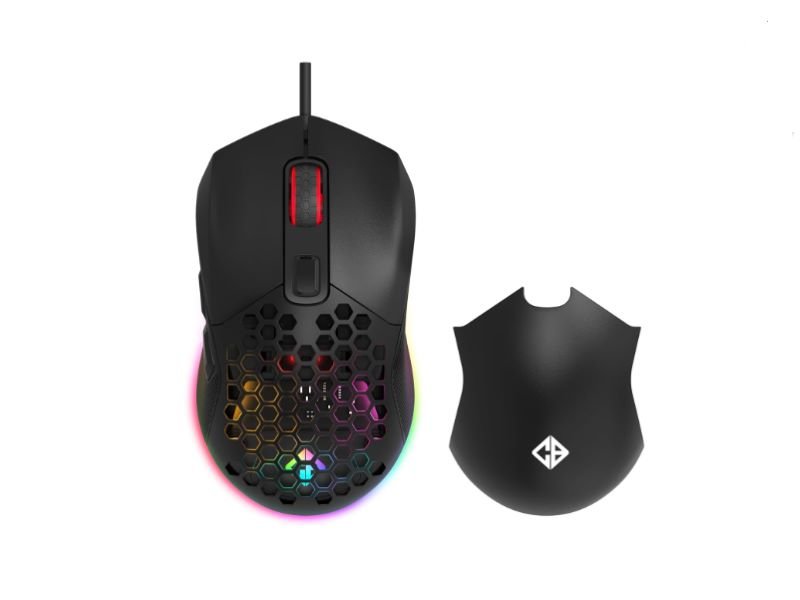
Design & Feel
- Lightweight at around 67g
- Symmetrical body
- Approx. size: 120 x 65 x 38 mm
Core Features
- Wired setup
- PixArt optical sensor
- DPI goes up to 7200
- 1000Hz polling rate
- 6 buttons
This one feels quick in hand.
The lightweight design helps with fast movements and flick shots. If you mostly play FPS games, this is a strong option.
Pros:
Lightweight
High DPI
Good for fast gameplay
Cons:
Build feels a bit budget
Software is basic
3. Lenovo M210 Gaming Mouse – Balanced Pick
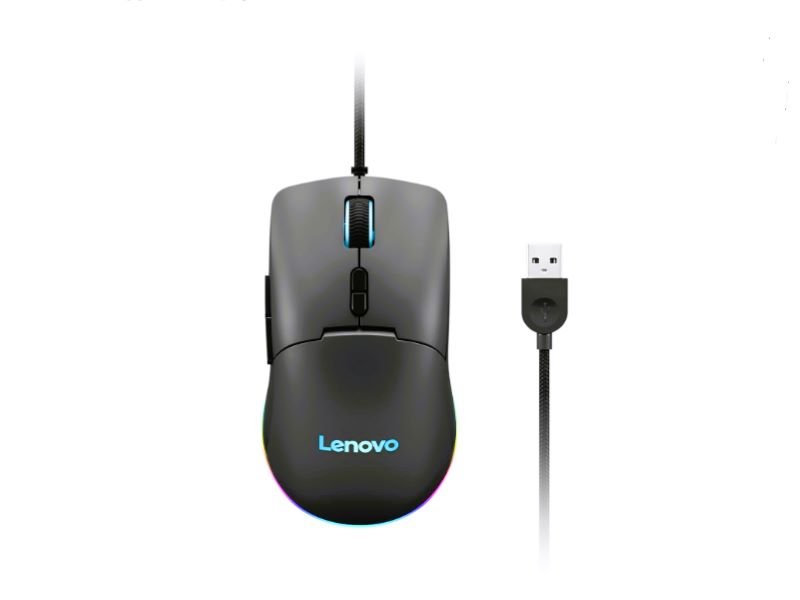
Design & Feel
- Ambidextrous design
- Weight around 75–80g
- Braided cable
Core Features
- Wired (USB-A)
- Optical sensor
- DPI adjustable up to 8000
- 1000Hz polling rate
- 7 programmable buttons
This is a simple and practical mouse.
You can use it for gaming, office work, browsing — everything feels fine.
It’s not built for intense gaming, but for daily use, it works well.
Pros:
Comfortable grip
Balanced performance
Cons:
Slightly heavy
Not ideal for FPS
4. Cosmic Byte Raptor Gaming Mouse – Best Budget
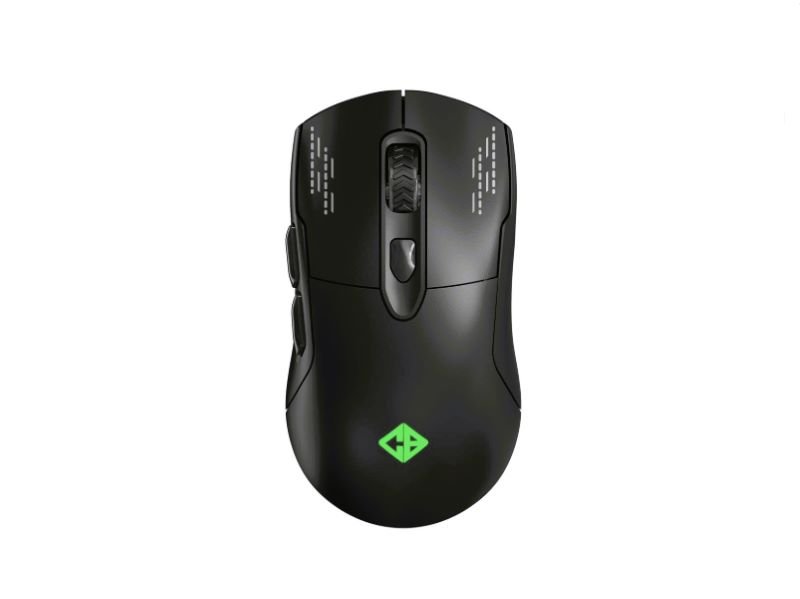
Design & Feel
- Symmetrical design
- Around 90g weight
- Approx. 125 x 63 x 40 mm size
Core Features
- Wired connection
- Optical sensor
- Up to 4000 DPI
- Polling rate between 125–500Hz
- 6 buttons
This is a suitable option for a limited budget.
It’s simple and affordable. Works fine for casual gaming.
Pros:
Very affordable
Easy to use
Cons:
Average tracking
Not for competitive gaming
5. Cosmic Byte Umbra Gaming Mouse – Best for Comfort
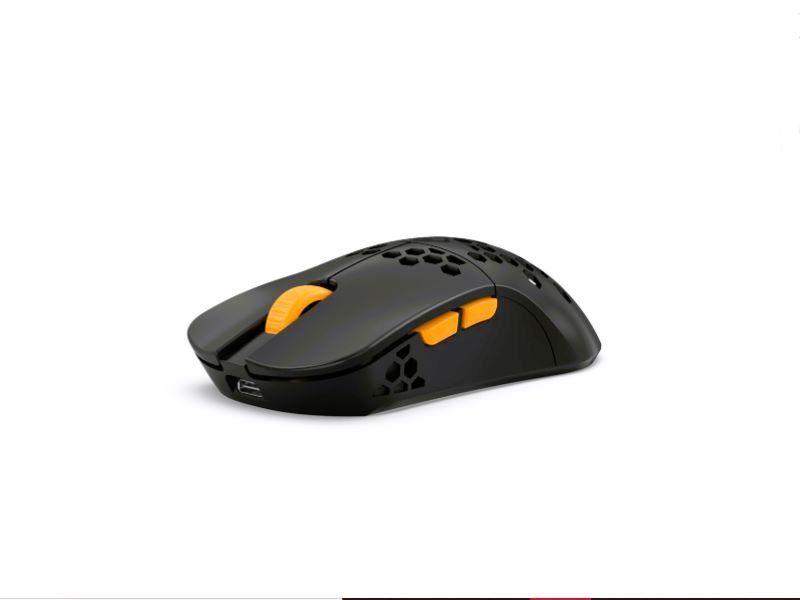
Design & Feel
- Right-handed ergonomic shape
- Around 100g
- Approx. 125 x 68 x 42 mm
Core Features
- Wired usage
- Optical sensor
- DPI up to 7200
- 1000Hz polling rate
- 7 buttons
This mouse is more about comfort even during prolonged use.
Pros:
Comfortable design
Good grip
Cons:
Slightly heavy
Average performance
6. EvoFox Phantom Air Gaming Mouse – Lightweight Pick
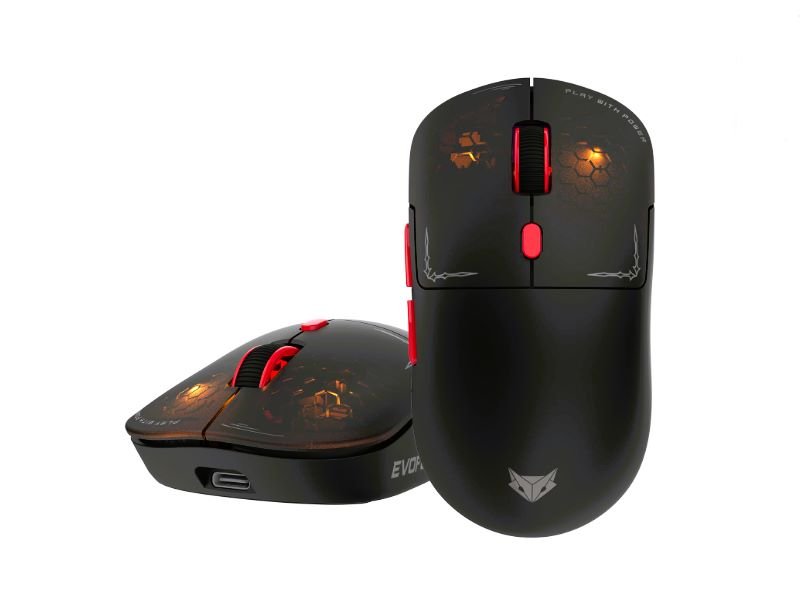
Design & Feel
- Lightweight (~75g)
- Symmetrical design
- Approx. 120 x 64 x 38 mm
Core Features
- Wired connection
- Optical sensor
- DPI up to 6400
- 1000Hz polling rate
- 6 buttons
This mouse is an excellent choice for beginners. The reason for this is that its design and structure are quite simple and smart, making it more functional rather than merely a decorative item.
Pros:
Lightweight
Affordable
Cons:
Basic build quality
Durability may vary
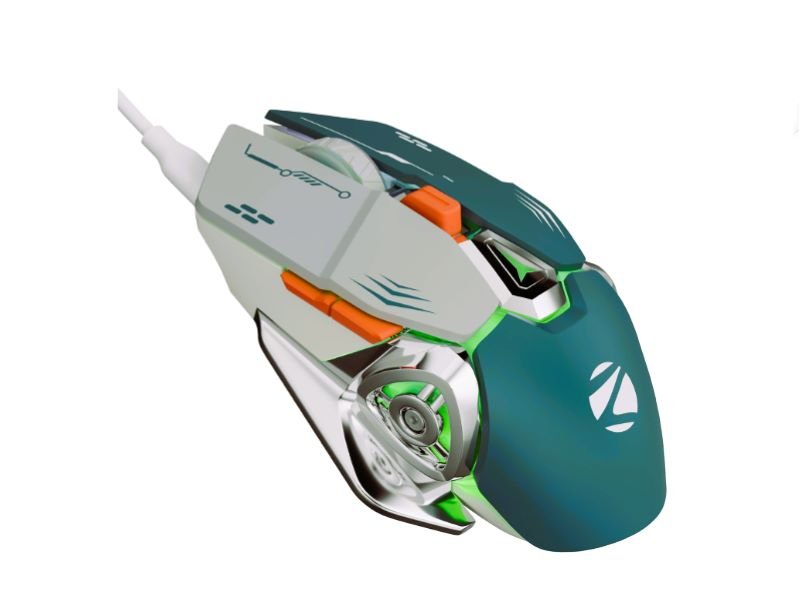
7. Zebronics Transformer M Plus Gaming Mouse – For Beginners
Design & Feel
- Ergonomic shape
- Around 105g weight
- Approx. 128 x 70 x 42 mm
Core Features
- Wired mouse
- Optical sensor
- Up to 3200 DPI
- 125–500Hz polling rate
- 6 buttons
A popular entry-level gaming mouse.
Good if you’re upgrading from a normal office mouse.
Pros:
Easy to use
Budget friendly
Cons:
Low precision
Not for serious gaming
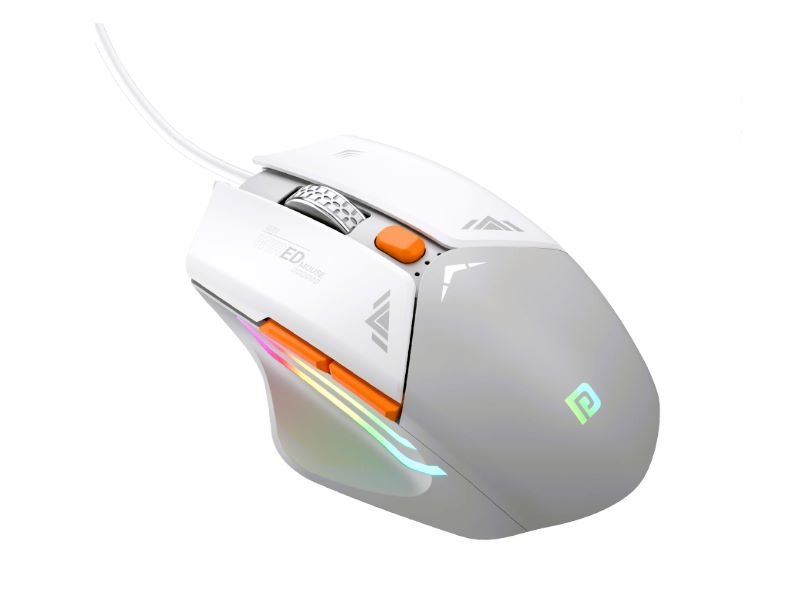
8. Portronics Vader Gaming Mouse – Casual Use
Design & Feel
- Symmetrical build
- Around 95g
- Approx. 125 x 65 x 40 mm
Core Features
- Wired connection
- Optical sensor
- Basic DPI levels
- Around 125Hz polling rate
- 4–6 buttons
A basic mouse for light gaming and daily use.
Pros:
Clean design
Affordable
Cons:
Limited performance
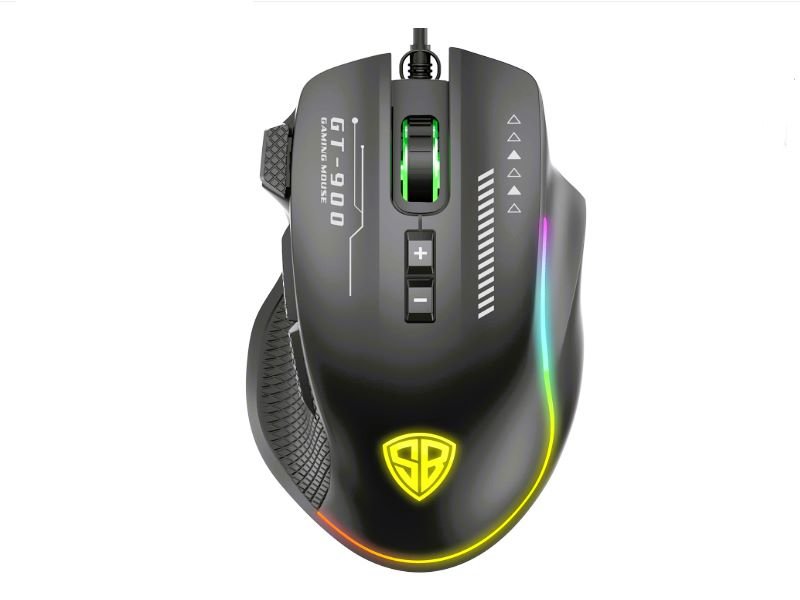
9. SpinBot Clutch GT900 Gaming Mouse – Stylish Pick
Design & Feel
- Ergonomic design
- Around 100g weight
- Approx. 130 x 70 x 42 mm
Core Features
- Wired setup
- Optical sensor
- Basic to moderate DPI
- Around 500Hz polling rate
- 6 buttons
If looks matter to you, this one stands out. Performance is okay for casual use.
Pros:
Stylish design
Budget friendly
Cons:
Average sensor
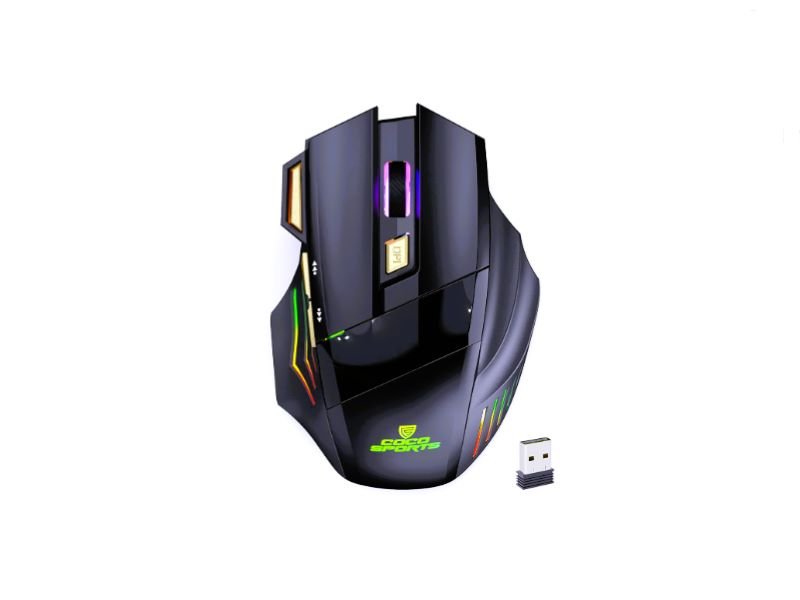
10. Coconut WM22 Wireless Gaming Mouse – Budget Wireless Option
Design & Feel
- Symmetrical shape
- Around 70g
- Approx. 110 x 60 x 35 mm
Core Features
- Wireless (2.4GHz USB receiver)
- Optical sensor
- Basic DPI range
- Around 125Hz polling rate
- 3–4 buttons
Wireless under ₹1500 is rare.
This one works for casual use, but not ideal for competitive gaming.
Pros:
Wireless convenience
Easy to carry
Cons:
Slight delay
Not for FPS
Here’s How They Stack Up
Here’s a side-by-side overview to help you decide faster.
| Mouse Name | Best For | DPI | Type |
| Logitech G102 Lightsync | FPS + All-round | 8000 | Wired |
| Cosmic Byte Firestorm RGB | FPS Gaming | 7200 | Wired |
| Lenovo M210 | Work + Casual Gaming | 8000 | Wired |
| Cosmic Byte Raptor | Budget Users | 4000 | Wired |
| Cosmic Byte Umbra | Comfort Use | 7200 | Wired |
| EvoFox Phantom Air | Lightweight Gaming | 6400 | Wired |
| Zebronics Transformer M Plus | Beginners | 3200 | Wired |
| Portronics Vader | Casual Use | Basic | Wired |
| SpinBot Clutch GT900 | Stylish Look | Basic | Wired |
| Coconut WM22 | Wireless Use | Basic | Wireless |
Buying Guide (Simple and Honest)
For FPS games → Choose lightweight mouse (G102 or Firestorm)
For long use → Comfort matters more (Umbra or Lenovo)
For tight budget → Go simple (Raptor or Zebronics)
For wireless → Only for casual use
Wrapping It Up
If you want to keep it effortless, the Logitech G102 is a nice choice . No drama involved. It works with most games and daily operations.
If you want a lightweight mouse, try the Firestorm. It can feel more responsive, particularly if you move around quickly in FPS games.
And if you have a limited budget, don’t worry. Even the simpler options can handle basic gaming. Just keep your expectations realistic—you’re not getting high-end performance here.
At the end of the day, comfort matters more than anything else. If a mouse feels right in your hand, you’ll naturally enjoy using it more.
FAQ
Q1. Which gaming mouse should I pick under 1500?
If you want something safe and reliable, the Logitech G102 is usually the easiest choice. It just works for most people.
Q2. Can a budget gaming mouse handle FPS games?
It can, as long as it has a decent sensor and feels comfortable to use.
Q3. Wired or wireless — what’s better?
Wired is usually the safer pick for gaming since there’s no lag to worry about.
Q4. What DPI should you use for gaming?
Most players are comfortable somewhere between 800 and 3200 DPI.
Note: Product images are sourced from Amazon.